NCREC has a New Learning Management System
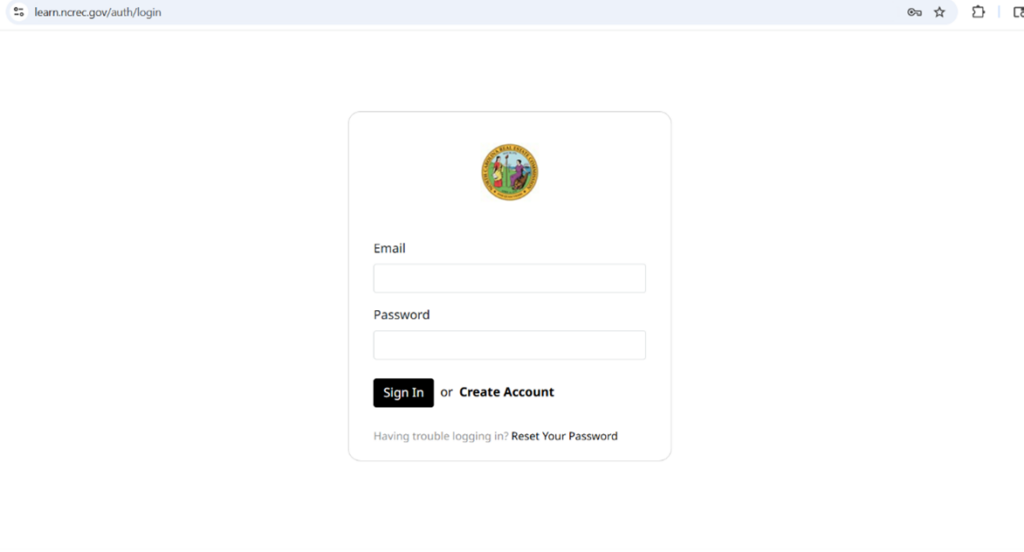
NCREC is pleased to announce a new partnership with DigitalChalk, and the launch of a modernized training portal designed to enhance course administration and deliver a more intuitive, efficient, and dependable learning experience for all Commission-offered courses such as the 12-Hour BIC Course and the Trust Account Course.
How to Access the Training Portal:
1. Visit learn.ncrec.gov.
2. On your first visit, create an account using your email address as your username.
3. Browse the course catalog and purchase the courses you want.
4. After purchase, your course will appear under “Courses” in the left-hand menu. 5. For questions or technical assistance, email EDUC@ncrec.gov.