How to Designate Your Email Address as Private
Have you updated your email address and phone number as required under Rule 58A .0103? Are you interested in designating your email address as private?
Maintaining accurate contact information with the North Carolina Real Estate Commission is more than just good practice, it’s a requirement.
Under Commission Rule 58A .0103, all licensees must notify the Commission of any change to their email address or phone number within 10 days of the change. This requirement applies to all brokers, including provisional brokers and full brokers, regardless of whether their licenses are on active or inactive status.
Keeping your contact information current helps ensure that you receive important communications from the Commission, including licensing updates, renewal information, and regulatory notices.
What many licensees may not realize, however, is that while providing an email address and phone number to the Commission is mandatory, you can choose to keep that information private.
If you would like to designate your email address or phone number as private in your license record, follow the steps below:
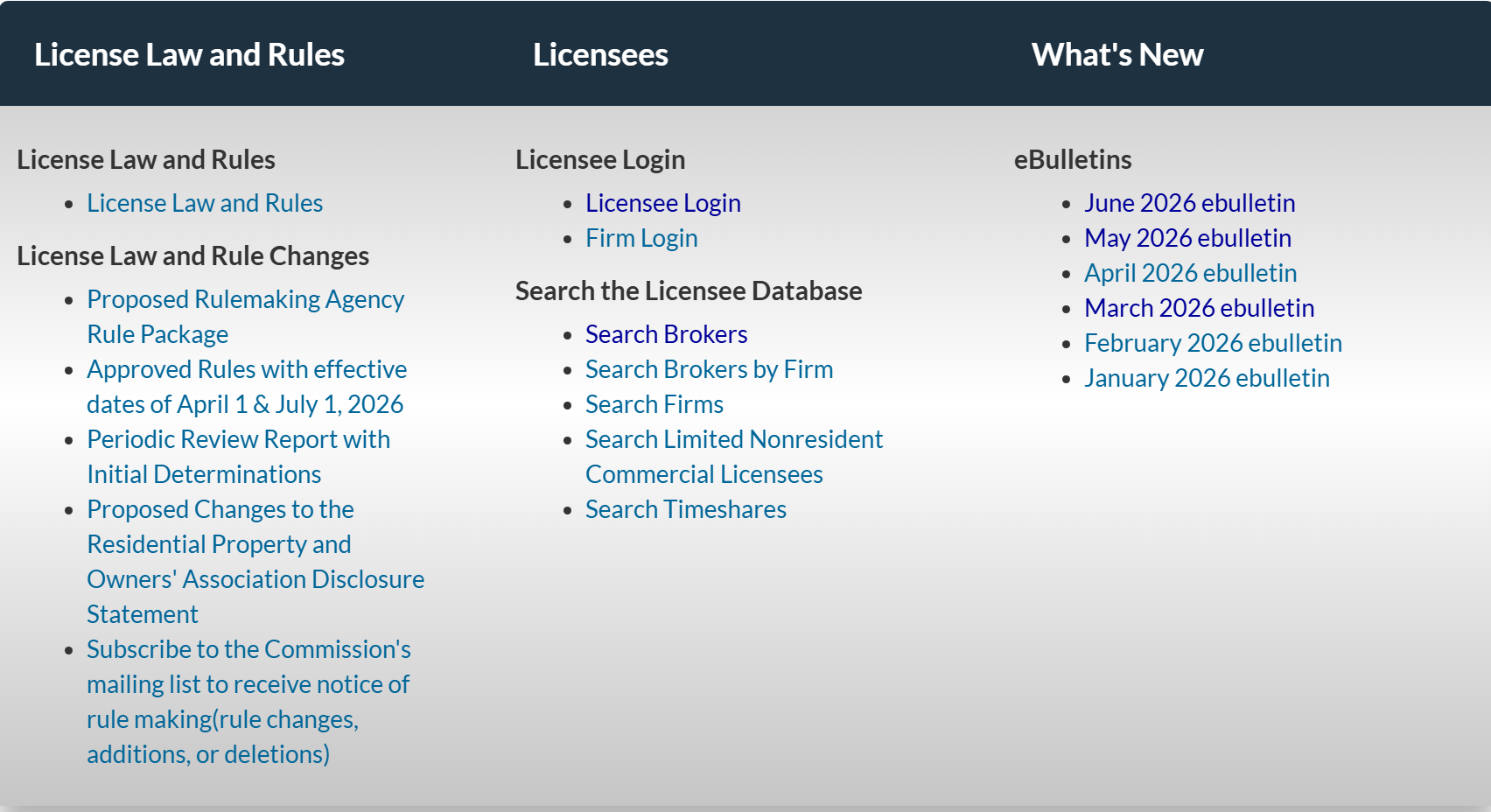
- Go to the Commission website (www.NCREC.gov).
- Scroll down to Licensees.
- Select Licensee Login.
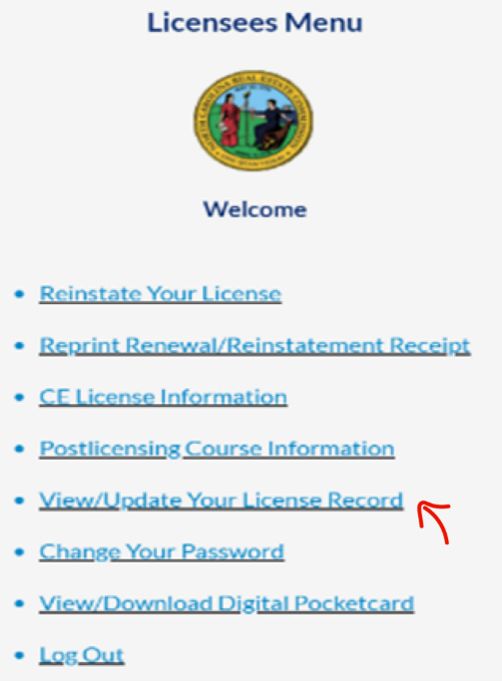
- Enter your license number and PIN (the last four digits of your social security number unless you have changed it).
- Select View/Update Your License Record.
6. Scroll down to Other Contact Information
7. Delete any entries in the boxes next to Public Phone and Public Email to mark your email address and/or phone number as private.
8. Add your information in the Private Phone and Private Email sections.
9. Select the submit button.
NOTE: If an email/phone number is designated as private, the North Carolina Real Estate Commission will not share your information unless it is required under federal law or valid subpoena.